Step 1
Create a sealCreate or choose your seal
Open the seal editor and start from a company, contract, invoice, finance or personal name template. Adjust the text, code, font and color, then click Save to store it in your local seal library.
Need to stamp a contract but don't want to upload it to a third-party PDF site? Easy Seal runs entirely in your browser: create a transparent seal, import the PDF locally, place the stamp, and export a new PDF with the original text layer intact.
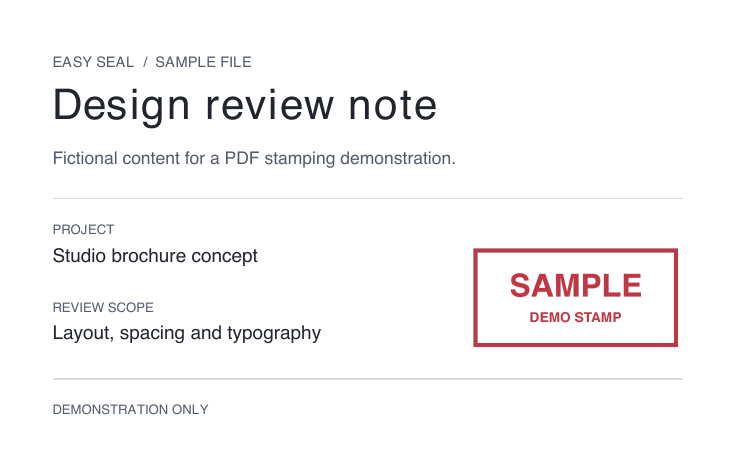
Open the seal editor and start from a company, contract, invoice, finance or personal name template. Adjust the text, code, font and color, then click Save to store it in your local seal library.
Open PDF Manager and choose a PDF from your device (up to 50 MB). The file stays in your browser's IndexedDB and is never uploaded to a server.
Open the signing workspace, add the saved seal, drag it to the signature area, adjust size, rotation and opacity, then export a new PDF without a watermark.
No. Easy Seal embeds a high-resolution transparent PNG stamp at the correct coordinates on the original page. The PDF is not rasterized, so the underlying text stays sharp, selectable and searchable.
Yes. In the signing workspace you can switch pages, add one or more seals to any page, and each placement keeps its own position, size and rotation.
A single local PDF can be up to 50 MB. There is no page limit and no daily export limit; very large files depend on your device's available memory.
You can view PDFs and create seals in modern mobile browsers, but precise dragging, rotation and resizing are much easier with a mouse on desktop Chrome, Edge, Safari or Firefox.