Free Personal Name Seal Maker (Square & Strip Stamps)
Enter your name to generate a traditional square name seal or a clean horizontal name strip for artwork, documents, forms and local PDF signing.
Use company and organization seal templates only for your own entity or with explicit authorization.
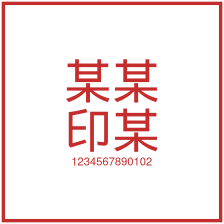
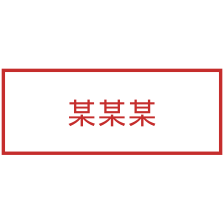
Ready-to-use preset styles
Click a preset to open it in the editor, then change the text, code and border color before exporting a transparent PNG.

Specs and layout
- Character count
- 2, 3 or 4 characters (for example, “张三之印”)
- Styles
- Square seal, vertical square seal, horizontal name strip
- Ink colors
- Vermilion, deep red, navy or black
- Export
- High-resolution transparent PNG for documents or artwork
Common use cases
- Name seals for internal approval forms and PDF forms
- Artist signatures on photography, calligraphy, illustrations, slide covers and resumes
- Local PDF contracts, receipts and acknowledgements
Layout and export tips
- • For two-character names, adding “之印” creates a balanced four-character square layout; for three-character names, add “印”.
- • For artwork, try a deeper vermilion (for example, #b91c1c) instead of bright red.
Frequently asked questions
How should I lay out a two- or three-character name?+
A four-character square seal is the most symmetrical: two-character names can use “某某之印”, and three-character names can use “某某某印”. A horizontal name strip is a simpler alternative for modern documents.
Can I reuse the finished name seal later?+
Yes. Click Save in the editor and the seal is stored in your browser's local seal library. You can reopen it, export the PNG again, or use it to stamp PDFs without retyping the layout.
Is a name seal the same as a handwritten signature?+
No. This tool creates a seal image, not a handwritten signature or a qualified electronic signature. Use it for artwork, internal documents and workflows where a name seal is appropriate and authorized.